maapzy · your travels, connected
Plan your journeys together. Make every trip memorable.
Plan trips with friends, discover places, keep track of where you've been, and turn your journeys into memories you can share.
Bring your travel plans, places and memories together in one visual space.
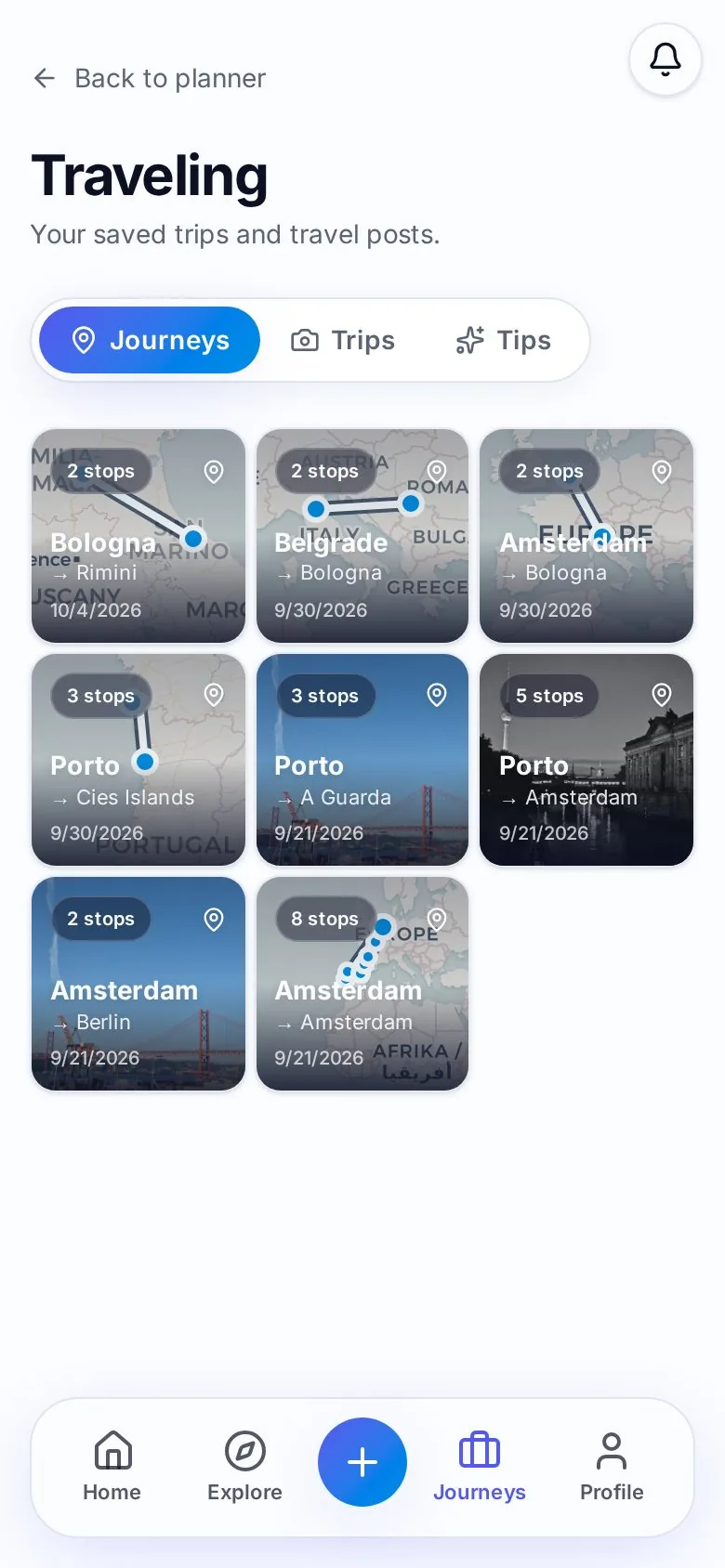
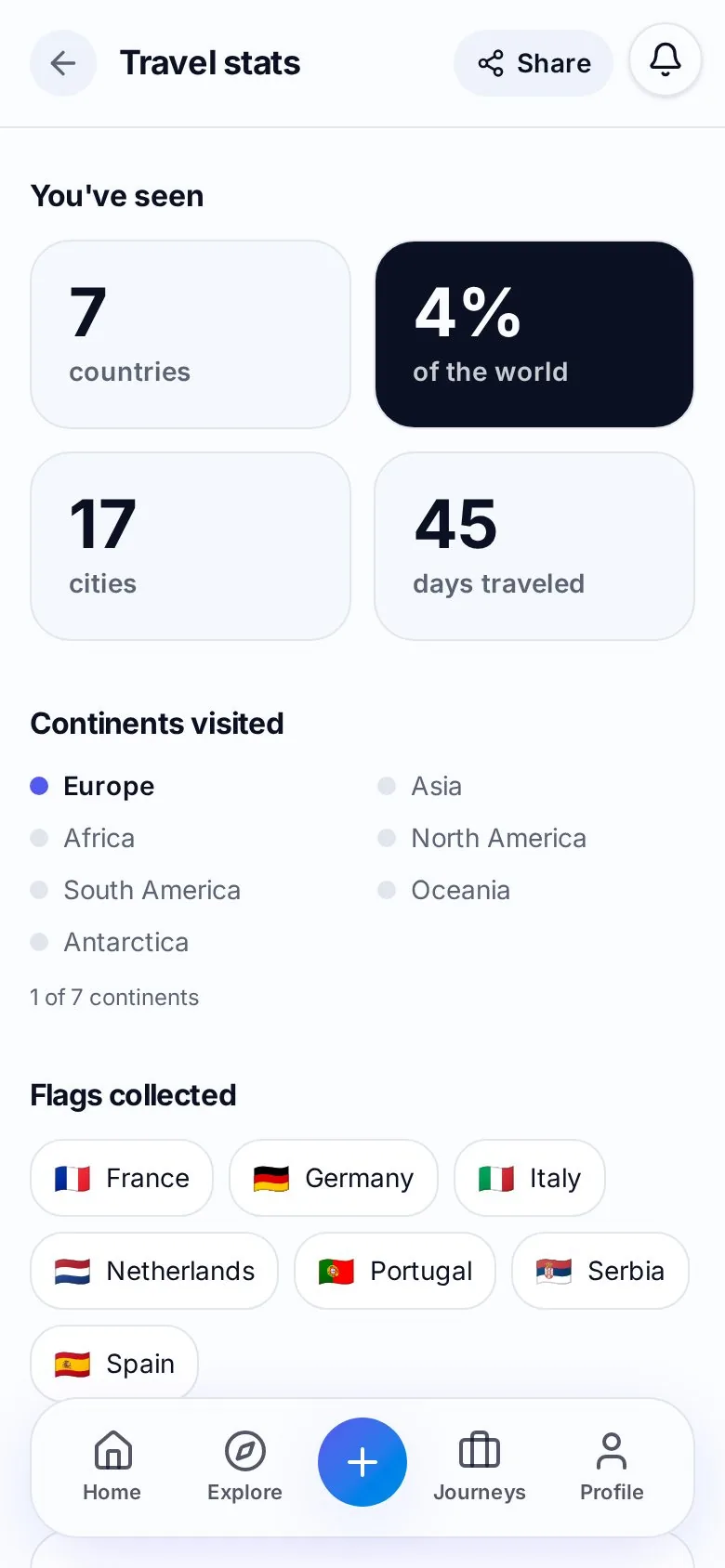
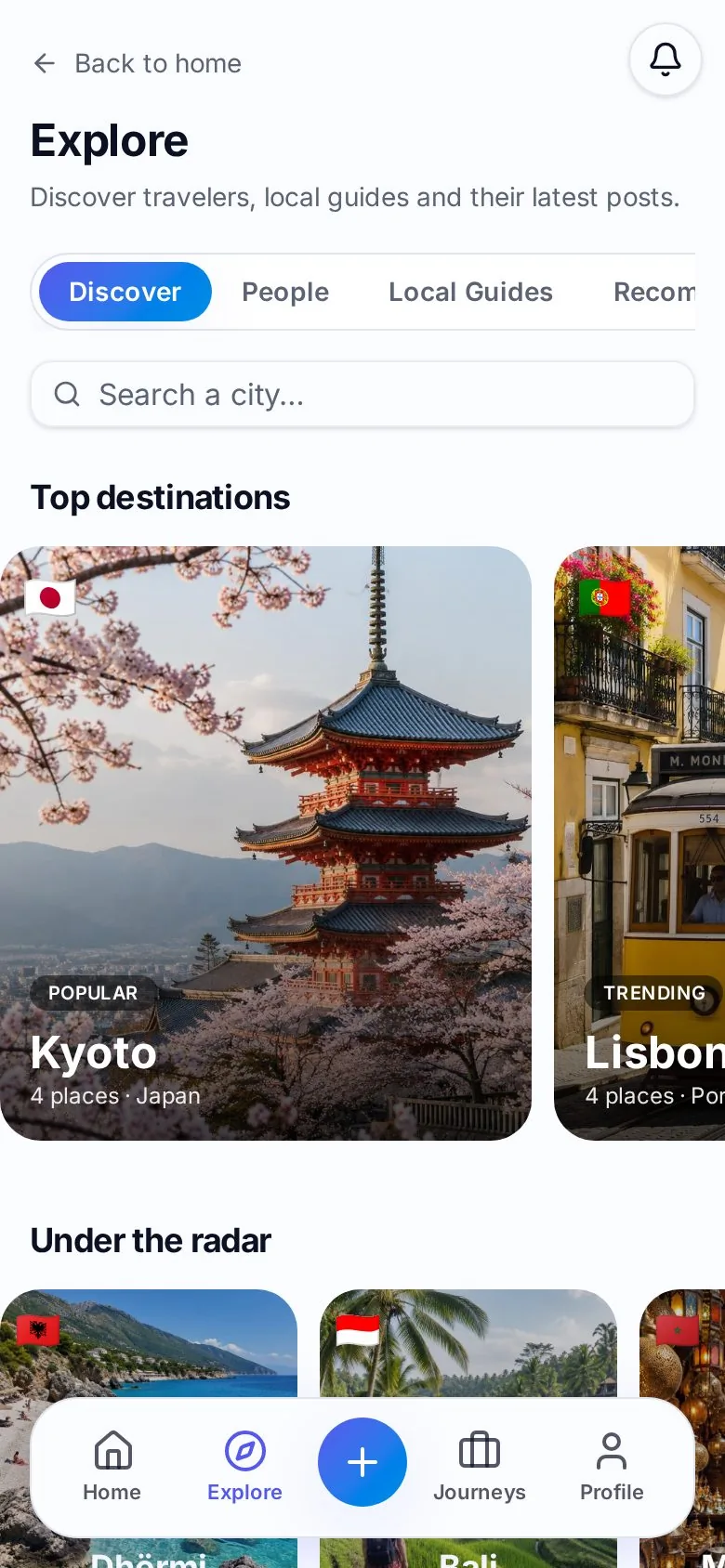
From the first stop to the last memory
See your journey take shape.
Search for your stops, arrange them in your itinerary and see the route on your map. Here’s a real Maapzy journey from Porto to Amsterdam.
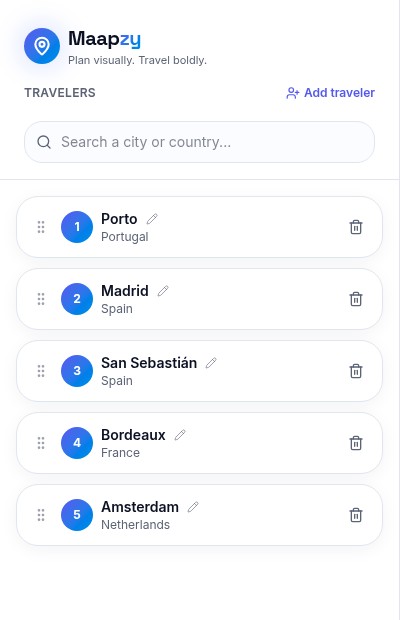
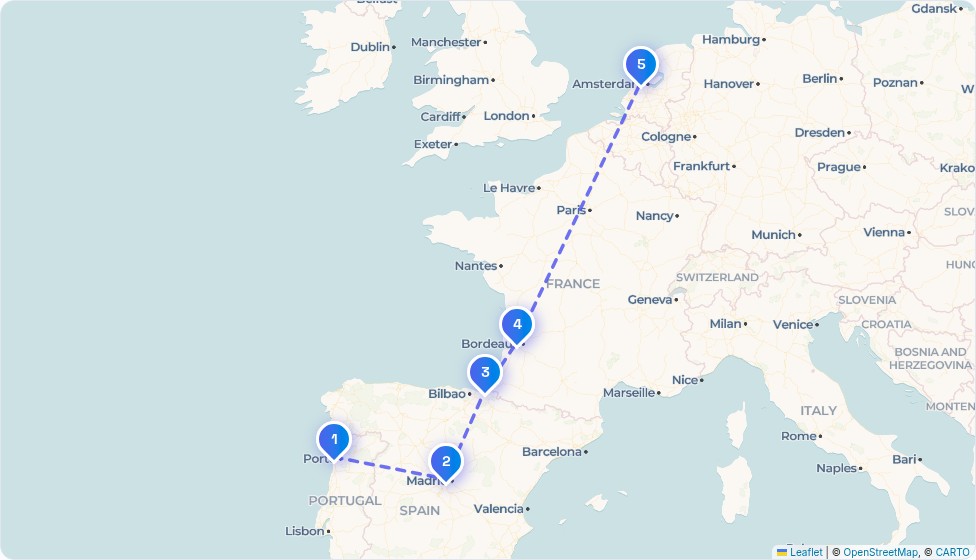
- 01
Create a journey
Start with a destination and build your route.
- 02
Add your places
Organize stops, dates and notes in one itinerary.
- 03
See it on the map
Keep the full journey in view, then save it to your account.
01 / together
Plan journeys together.
Bring your travel companions into the plan. Add travelers to a journey and, once you save it, the journey appears on their profiles too.
- Keep the stops and route in one journey.
- Add companions with the Add traveler control.
- The journey creator organizes and saves the itinerary.
02 / discover
Discover places worth remembering.
Explore destinations and recommendations, then keep your own favorite places together. From a city you want to visit to a place you want to return to, make it part of your travels.
- Browse destination pages and travel guides.
- Create your own city-based place recommendations.
- Keep future destinations on your bucket list.
03 / track
Keep your travels on the map.
Look back at the countries and cities in your saved travels. Your overview brings your world map, days traveled and collected country flags together.
- See countries, cities and days traveled.
- View your visited countries on a world map.
- Keep an overview based on your saved travel entries.
04 / memories
Share your memories.
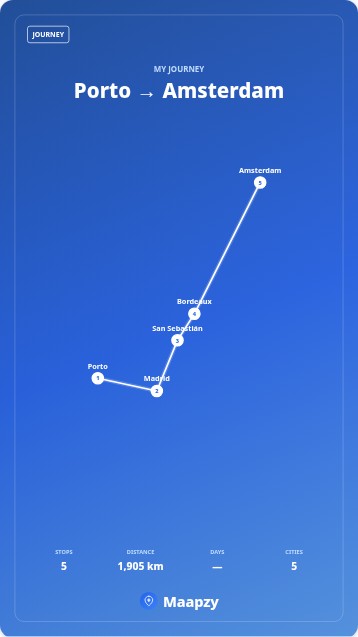
Turn your journey into something worth keeping. Choose a poster design, download it and share your route with friends or on your socials.
- Create a poster from your actual journey stops.
- Download a vertical poster for social stories.
- Choose a poster or story video in the share creator.
Your plans, places and memories. Together.
A visual travel platform to plan journeys together, discover places, track your travels and share the memories.
Visual journey planning
Map your stops, arrange your route, and add dates and notes.
Travel companions
Add travelers so your saved journey appears on their profiles too.
Places & recommendations
Explore destinations and keep your own place recommendations together.
Your travel overview
See countries, cities and days traveled alongside your world map.
Posters & stories
Turn a journey into a downloadable poster or story video.
Travel memories
Keep travel photos and posts alongside the journeys you’ve made.
Before your first journey.
What does Maapzy do?
Maapzy is a visual travel platform to plan journeys together, discover places, track your travels and share the memories. Organize stops on a map, add travel companions and keep your journeys in one place.
Is Maapzy free?
You can create a free account and start planning journeys. Maapzy also offers optional Premium features; you can view the current offer inside the app.
How do I share a journey with friends?
Use Add traveler in the journey planner to add your companions. Once you save, the journey appears on their profiles too. To share outside Maapzy, open your journey, choose Share and download a poster or share it through your device’s available apps.
Can everyone edit the same journey?
The journey creator organizes and saves the route. Added travelers can see the saved journey on their profiles. Maapzy does not currently offer simultaneous shared editing.
Which platforms can I use?
Use Maapzy in a desktop, tablet or mobile browser, or download the Android app from Google Play. Sign in with the same account to access your saved journeys.
Can I turn my journey into a poster?
Yes. Open a journey and choose Share to open the poster creator. Choose a design and download a vertical 1080 × 1920 poster, ready for a social story. The creator also offers story videos.
Plan the journey together.
Discover places worth remembering. Keep your travels on the map.